
Write reports from real project data
Your AI agent runs the built-in PathHub agents and gets finished reports from your Path: status report, week plan, stakeholder update, risk scan, steering committee report, kick-off pack or requirements specification. They are based on the plan, progress, budget and risks, not on the chat's memory.
Works with Claude, ChatGPT, Claude Code, Cursor, VS Code and any MCP client with sign-in.
Report ready: progress, dates, budget, top risks and decisions needed.
Example flow, simplified
How your agent works
You say in plain language what should happen. Your agent does the rest with the PathHub tools.
Pick a report
Status report, week plan, steering committee or another of the built-in reports.
The agent runs on the Path
The PathHub agent evaluates the Path's plan, progress, budget and risks.
Pass it on
Your agent moves the result into an email, document or chat, depending on what else it has access to.
The result in PathHub
Reports come from the same agents as in the app, such as status report, weekly plan or steering committee.
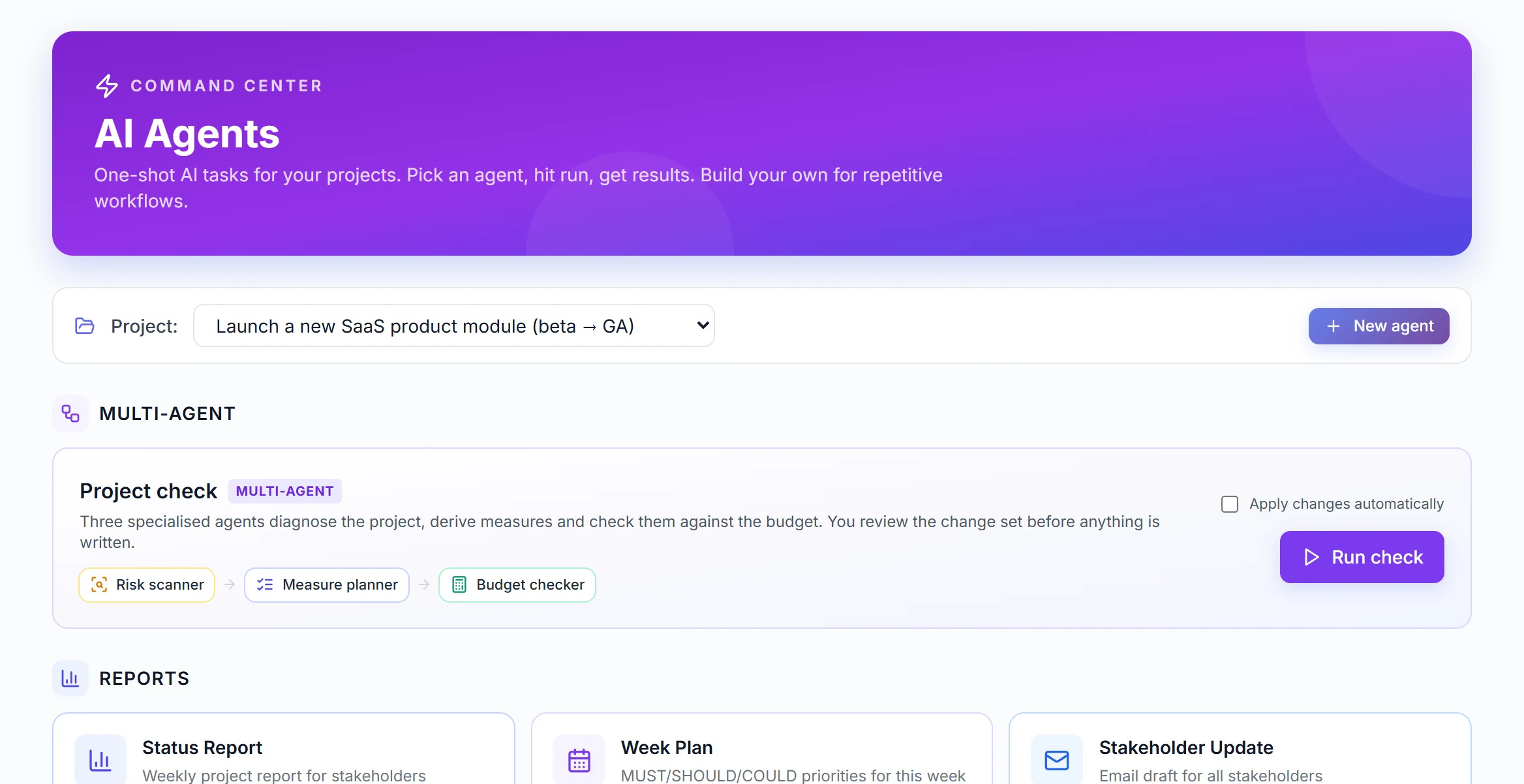
Real view from a sample Path
Best practices
These habits make the results reliable.
Update first, then report
Tick off tasks and book costs before the report is created. It is only as current as the Path.
Name the audience
Shorter and with decisions for management, with next steps for the team.
Use it regularly
Week plan on Monday, status report on Friday: a fixed rhythm saves putting it together every time.
Put it in your format
Have the report moved into your template. The content stays from the Path, you decide the form.
Example prompts to copy
Adjust the Path name, paste into Claude, ChatGPT or your agent, done.
“Write the steering committee report for the Path CRM rollout and cut it to one page with clear decisions needed.”
“Create the week plan for the Path Office move and send me the five most important tasks this week.”
“Run a risk scan for the Path ERP rollout and summarise the three most critical points with a proposal.”
What PathHub makes sure of
Your agent works under the same rules as the app.
AI requests from your plan
Every report uses AI requests from your quota, just like in the app.
Your permissions, no more
The agent only sees the workspace you grant at sign-in and can do at most what you can. With read access it changes nothing.
Traceable
Changes show up in the Path as if made by hand and trigger the same webhooks. Every call is logged.
Frequently asked questions
Which reports are there?
Status report, week plan, stakeholder update, risk scan, steering committee report, kick-off pack and requirements specification.
Where does the report get its numbers?
From the Path: phases and tasks with status, dates, budget with bookings and the risk register.
Does a report cost anything?
It uses AI requests from your plan's quota, just like the same report in the app.
More jobs for your agent
Try it with your own Path.
Sign up for free, connect PathHub in your AI assistant and get started. Already on the free plan.